
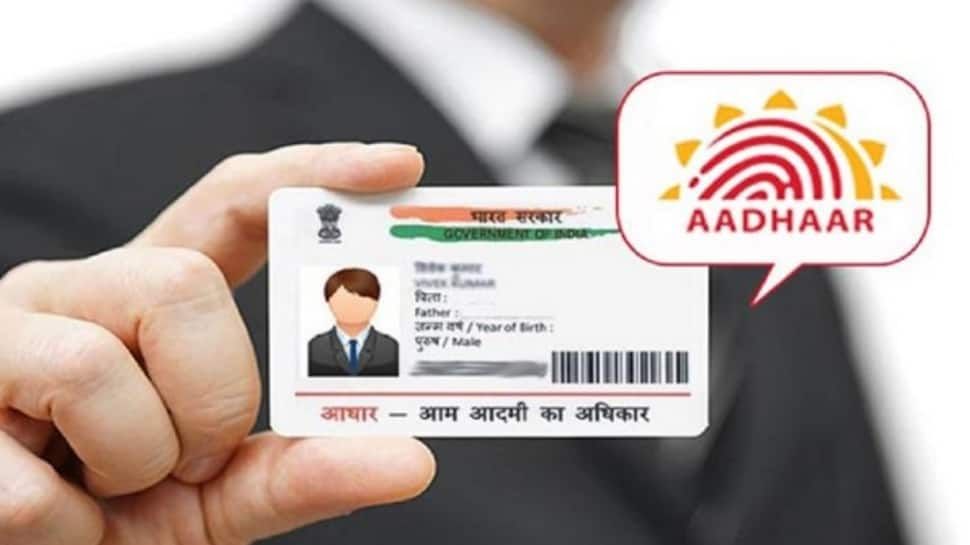
New Delhi: Aadhaar card has become essential for almost every government and private purpose today. It is therefore important to ensure that the information in relation to Aadhaar is kept updated. Keeping this in mind, UIDAI has provided significant relief to Aadhaar holders. UIDAI has announced that updating email IDs in Aadhaar will be completely free from July 1, 2026, to December 31.
Will it be free for 6 months?
According to UIDAI, currently, a fee of Rs 75 (including GST) is charged for updating your email ID in Aadhaar. The fee for updating the email address with Aadhaar mobile app, however, will not be applicable from July 1, 2026 till December 31, 2026. During this time, this will be a completely free service.
This discount is limited to email updates via the Aadhaar mobile application. Updates via other methods will incur related fees.
Why is it important to link email with Aadhaar?
There are various benefits of linking of email ID with Aadhaar, such as:
- The major benefit is that you’ll receive critical information and updates on Aadhaar directly in your email address.
- Other than this, when Aadhaar is misused or any suspicious activity is done, you also receive a notification about it on time.
- It is also easy to retrieve Aadhaar number, enrolment ID or other information with the help of this email link.
- Apart from all these, you can get immediate alerts regarding Aadhaar verification as well.
Under these circumstances, this step taken by the UIDAI might do some good to Aadhaar holders. If your email address isn’t yet linked to Aadhaar or you need to change your old email address, you can take advantage of this free service starting July 1st. This will keep your Aadhaar record more secure and up-to-date.
How to verify email?
For those who have already linked their email with Aadhaar, can check it online on the website of UIDAI.
- For this, visit the ‘My Aadhaar’ tab of the website.
- Click on ‘Verify Email/Mobile Number’.
- Click on ‘Verify Email Address’. Fill the details into Aadhaar No., Email Address and Captcha and click the Submit button.
- An OTP will be sent to you by email. Enter the OTP and click on ‘Submit’.
- After doing this, you will receive an email with the message ‘Aadhaar Authentication Successful’ on your email ID associated with your Aadhaar.